
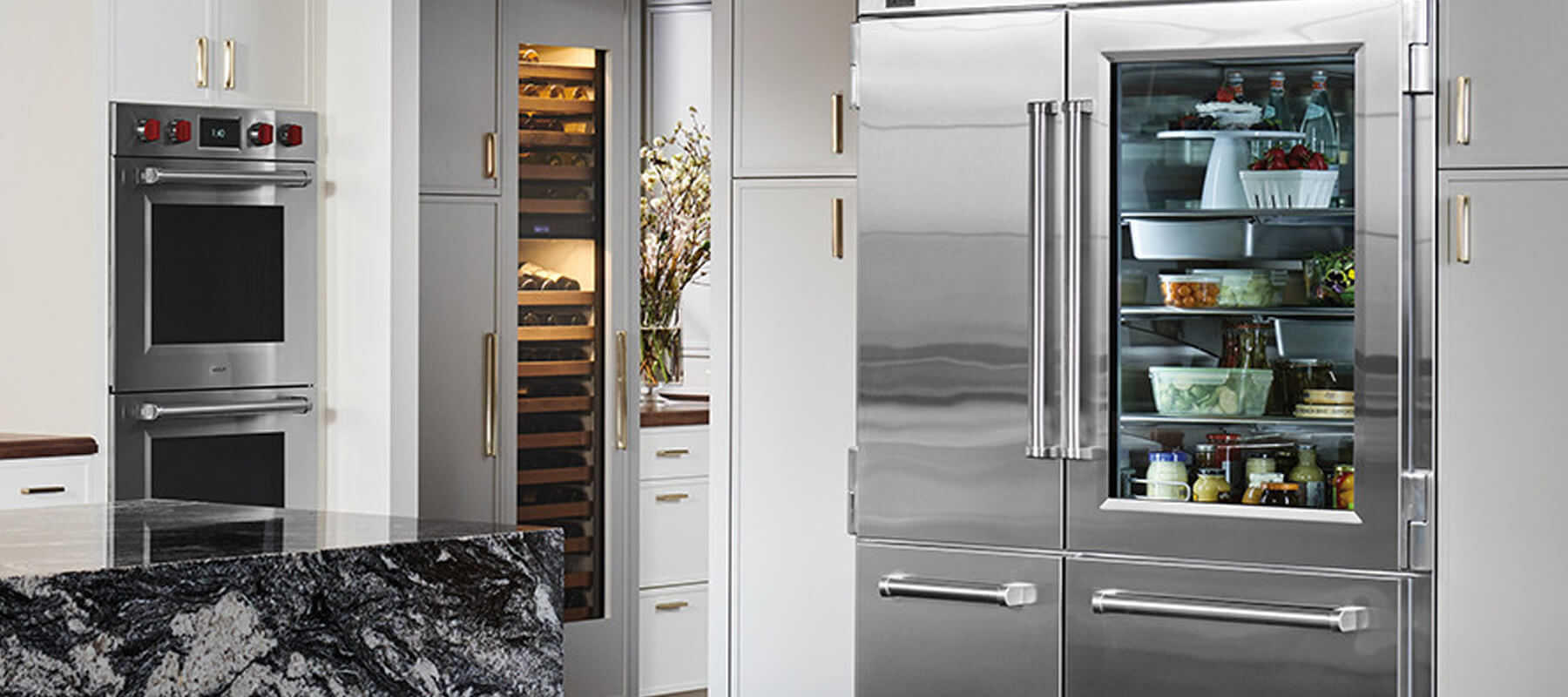
 Maintaining a fresh supply of clean water from your Sub Zero refrigerator is essential for the health of your family. A significant component of this process is the water filter, which requires regular replacement to ensure optimal performance. In this guide, we’ll dive deep into how to change the water filter in the fridge step by step, addressing common issues and providing detailed instructions that even a novice homeowner can follow with ease.
Understanding the Importance of Changing Your Water Filter
Before we delve into the “how-to,” it’s crucial to understand why changing the water filter is important. Over time, filters become clogged with sediment, contaminants, and impurities that can affect the taste and quality of your water. Here are some key reasons for regular filter replacement:
- Health Considerations: Old filters can harbor bacteria and other harmful substances that may pose health risks.
- Taste and Smell: A clean filter ensures your water remains fresh and free from unpleasant odors and tastes.
- Efficiency: A clogged filter can reduce water flow and put additional strain on your fridge, potentially leading to more significant issues down the line.
- Longevity of the Appliance: Regular maintenance, including changing your water filter, can prolong the life of your refrigerator.
Signs That It’s Time to Change Your Water Filter
Before proceeding on how to replace water filter in fridge, you may wonder how to know when it’s time to change your filter. Here are some common signs:
- Change Filter Light: Many modern fridges have an indicator light that alerts you when it’s time to replace the filter.
- Reduced Water Flow: If you notice that your water or ice production has slowed down, it might be time for a change.
- Unpleasant Taste or Odor: If your water starts tasting funny or has a strange smell, it’s a clear sign that your filter is no longer effective.
Now that we’ve established the importance of changing your water filter, let’s move on to the step-by-step process.
Step-by-Step Guide on How to Change Water Filter in Fridge
Step 1: Gather Necessary Tools and Supplies
Before you even begin the process on how to change refrigerator water filter, it’s important to be well-prepared. While changing the filter doesn’t typically require specialized tools, having everything ready can make the process smoother. Here’s what you’ll need:
- New Water Filter: Make sure the filter is compatible with your fridge model. You can usually find the correct model number in your fridge’s manual, or directly on the current filter itself.
- Towel or Small Bucket: These are essential because, as you remove the old filter, residual water may spill. The towel or bucket helps catch any drips to avoid a mess in your kitchen.
- Optional Gloves: While not mandatory, gloves can ensure your hands stay clean, particularly if the old filter is dirty or grimy from sediment build-up.
Pro Tip:
Always check the manufacturer’s specifications before purchasing the new filter. If you’re unsure of the filter type, visiting the manufacturer’s website or consulting customer support may save you time and effort.
Step 2: Locate the Water Filter
The placement of the water filter depends on the design and model of your fridge. In most refrigerators, it’s typically easy to locate, but the exact position can vary. Here’s where to look:
- Inside the Fridge: The filter is usually situated in a visible compartment at the back or in the upper-right corner. This is a common placement for many fridge models.
- At the Base (Behind a Grill): For some bottom-freezer or side-by-side models, the filter might be located at the base behind a removable grill. This often requires you to pull out the grill to access the filter.
- In the Compartment Door: Some modern fridges have the water filter positioned inside the door for easy access. It might be covered by a compartment door that you need to open.
Pro Tip:
If you’re struggling to find the filter, refer to the refrigerator’s manual for a detailed diagram of the internal layout. This can help pinpoint the exact location.
Step 3: Prepare the Area
Replacing the water filter can sometimes lead to small water spills, particularly if the old filter is full of water. By preparing the area beforehand, you can avoid potential messes.
- Towel/Bucket: Place a towel or bucket beneath the filter location before removal. This step is often overlooked, and though it seems minor, it can save you from dealing with water damage to your kitchen floors or cabinets.
- Clearing Space: If the filter is located inside the fridge, consider temporarily moving food or shelves to make access easier.
Pro Tip:
If you don’t have a bucket handy, even using a small baking tray or shallow container can help catch drips effectively.
Step 4: Remove the Old Water Filter
Removing the old water filter differs depending on your fridge model. Here’s how to handle each type of filter:
For Twist-On Filters:
- Twisting Counterclockwise: Hold the filter firmly and twist it counterclockwise. Some filters can feel tight, especially if they haven’t been changed in a long time. You may need to apply a bit of force to loosen it. If the filter is especially stuck, you might consider using a towel or a grippy surface for better leverage.
- Pulling Out the Filter: Once it’s loose, pull the filter out carefully. Be ready with your towel or bucket to catch any residual water. You may notice some dripping as you remove it, but this is normal.
For Push-In Filters:
- Release Button: For push-in filters, you’ll see a small button or tab that you need to press to release the filter. This mechanism ensures the filter stays securely in place during use.
- Pulling the Filter Out: After pressing the button, gently pull the filter straight out. Again, expect a bit of water to drip from the filter housing.
Pro Tip:
Don’t panic if the filter feels hard to remove. Over time, minerals and sediment build-up can make the filter harder to twist or push out. A little extra effort will usually do the trick.
Step 5: Prepare the New Water Filter
Before installing the new water filter, some preparation is required to ensure it’s ready for use. Here’s what to do:
- Unwrap Carefully: Ensure that you only touch the outer casing of the new filter and avoid contact with the ends of the filter. These are typically the parts that water flows through, and keeping them clean is essential for hygiene.
- Soaking the Filter: Certain brands recommend soaking the filter in water for a few minutes before installation. This helps saturate the filter material and allows for more efficient water flow. Always check the instructions provided with the new filter to see if this step is necessary.
Pro Tip:
Soaking can be especially important for filters that use carbon to purify the water. It helps clear out any carbon dust that may have built up during shipping.
Step 6: Install the New Water Filter
Installing the new filter is relatively simple but requires attention to ensure it’s secure.
For Twist-On Filters:
- Aligning the Filter: Make sure the filter is properly aligned before you start twisting. If you start with it misaligned, you risk damaging the filter or housing. Many filters will have arrows or markings to guide you.
- Twist Clockwise: Once aligned, twist the filter clockwise until you feel resistance. Don’t force it too tightly—just enough so that it’s snug and secure.
For Push-In Filters:
- Insert Until It Clicks: Push the filter into the housing until it clicks securely into place. The click ensures that the filter is locked in and won’t come loose during operation.
Pro Tip:
If your refrigerator has a filter bypass plug, make sure to remove it before installing the new filter. These plugs are typically used when operating the fridge without a filter, but they must be taken out when inserting a new one.
Step 7: Flush the New Water Filter
Flushing the water filter is an essential step to ensure any carbon particles or manufacturing residue is cleared out before you start drinking the water.
- Dispense Water: For most refrigerators, running the water for 3-5 minutes will be sufficient. You’ll want to discard the first several gallons of water as it may contain impurities.
- Observe Water Quality: While flushing, keep an eye on the water. If the water starts running clear after a minute or two, you’re good to go. Otherwise, keep dispensing until it’s clean.
Pro Tip:
If your refrigerator also produces ice, make sure to discard the first batch of ice after changing the filter, as it could contain particles from the new filter.
Step 8: Reset the Filter Indicator
If your refrigerator has an indicator light that tells you when to replace the filter, it’s important to reset it after installing the new filter.
- Find the Reset Button: Most refrigerators with an indicator light will have a small reset button near the water dispenser or on the control panel.
- Hold for a Few Seconds: Press and hold the button for 3-5 seconds until the indicator resets. This step ensures that the next reminder will pop up after the appropriate amount of time has passed.
Pro Tip:
Some models require a specific sequence to reset the indicator, so it’s always worth checking your user manual for instructions.
Step 9: Clean Up
Once everything is installed and flushed, you’re nearly done! Cleaning up is a simple but crucial final step to ensure no leftover water or debris is present.
- Wipe Down the Area: Use a towel to wipe away any water that may have splashed during the replacement.
- Proper Disposal: Don’t forget to properly dispose of the old filter. Check with your local waste management for recycling options, as some water filters can be recycled rather than thrown away.
Pro Tip:
If you’re not sure how to dispose of the old filter, contact the manufacturer. Many companies offer recycling programs for used filters.
Final Thoughts
Learning how to change water filter in fridge is not only beneficial for your health but also enhances the efficiency of your refrigerator. By following these detailed steps, homeowners can easily replace their fridge water filters and enjoy fresh, clean water daily.
At Sub Zero Repair Net, we understand the importance of maintaining your appliances. If you need assistance or have questions about appliance repairs, feel free to reach out. We’re here to help you keep your home running smoothly!

Frequently Asked Questions (FAQs)
- How often should I replace the fridge water filter?
- It’s typically recommended to change your refrigerator water filter every six months, but this can vary depending on usage and your water quality.
- Can I use any water filter for my fridge?
- No, always use a water filter specifically designed for your refrigerator model to ensure compatibility and performance.
- What happens if I don’t change my water filter?
- Failing to change your water filter can lead to poor water quality, bad taste, and increased bacteria levels.
- Is it necessary to flush the new water filter after installation?
- Yes, flushing the new filter helps remove any debris and ensures the water is clean and safe to drink.
Don’t miss our latest blog post about why the fridge is not cold but the freezer is – read now!